
Every now and then, we get a client or server error. Generally, these are called HTTP responses or HTTP status codes, which indicate the result of the server’s processing. An HTTP 406 error (406 Not Acceptable) is a type of HTTP response.
You can see the 406 error while browsing an online site or even worse on your own site. While frustrating to a casual internet user, it can be downright terrifying to an owner of a website or application. Aside from looking somewhat amateur and perplexing, any HTTP response status code, such as the 406 error, can lead to sales and users being lost.
This article will explain the basics of the “406 Not Acceptable” error and how to troubleshoot it. Continue reading for more information!
What is the 406 Not Acceptable Error?
The 406 Not Acceptable error is an HTTP status code that denotes that the server cannot produce the response the client (your browser) asked for. Usually, the server’s request is defined in the client’s request in the “Accept” header. In simpler words, when your browser sends a request to the server, it has headers defining the type of response it will accept and handle.
When you visit a website, a browser requests a particular resource. The browser then sends to the server headers defining what type of response it can process. This can include:
- Accept;
- Accept-Language;
- Accept-Encoding, etc.
The server will then look for a response suitable for the client’s request. If it does find one, then you get what you want. Otherwise, if it finds none, it considers the server response unacceptable and then produces the 406 Not Acceptable error code.
Note: HTTP response status codes of 4XX are not considered server error responses. Instead, they are caused by the browser after realizing that the response from the server is not acceptable to it, as defined in the request.
What are the Causes of the HTTP 406 Error?
Despite the appearance of technicality, the underlying cause of the HTTP 406 error is normally straightforward when broken down:
1. Strict Content Negotiation Rules
Certain servers have very limited policies on what types of content they can deliver. When the client’s request is too limiting for those policies to deliver an acceptable response, the server generates a 406 response, since it has no valid representation to deliver. This is common on locked-down systems.
2. API Output Format is too Restricted
When the MIME type is wrong or is missing, it may cause a 406 error. This can occur if you are returning a JSON response that is labeled as HTML.
3. Encoding/Compression Conflicts
Since the web is so efficient now, browsers and other applications request that responses be encoded with gzip, Brotli, or Deflate, etc. If your server does not support these encodings, then your browser might report a 406 error, indicating it is unable to process the request.
4. Firewalls/Security Rules
These modules may misinterpret some valid HTTP requests as fraudulent and block them by returning a 406 client error status code.
5. API Requests with Incorrect Headers
API’s are very strict; if an API had set application json as the formatting and the JSON error response came back into text html or another unwanted format, the API that expects application json could break. REST and GraphQL API’s are particularly sensitive to header mismatches.
6. Language and Region Errors
Some websites automatically set the language or region according to the user’s preferences. If the browser sends something different, it will then indicate a 406 status code.
How to Troubleshoot a 406 Status Code
Having established the causes of the status code 406, it’s now time to sort it out:
1. Check HTTP request headers
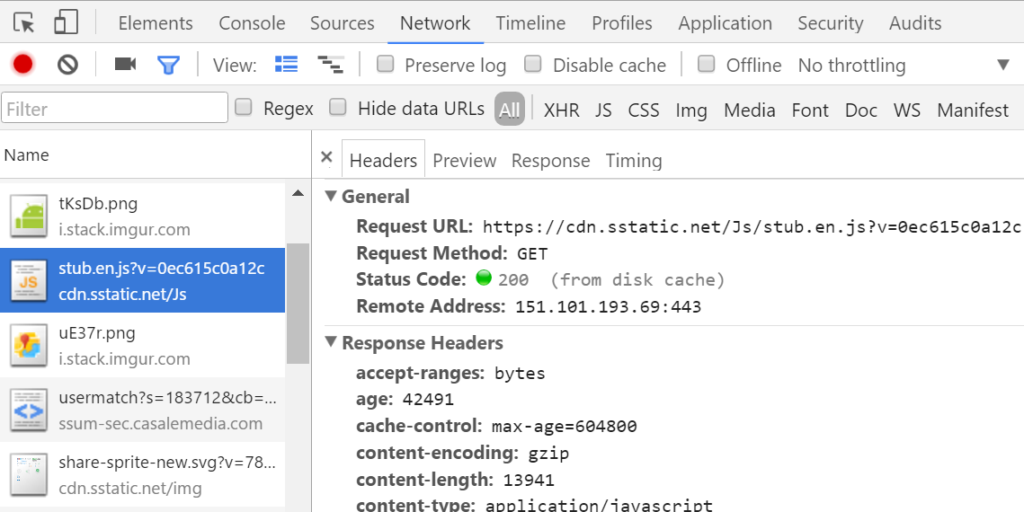
SEO agencies will examine the headers of your client’s request. This can be done using Postman, cURL, or your web browser’s Developer Tools.
Look for the headers for these:
- Pay attention to the Accept header: Check if the header comprises content types the server is willing to supply (e.g., application/json).
- Check the Accept-Language header: requests a supported language (e.g., en-US).
2. Check Server Configuration
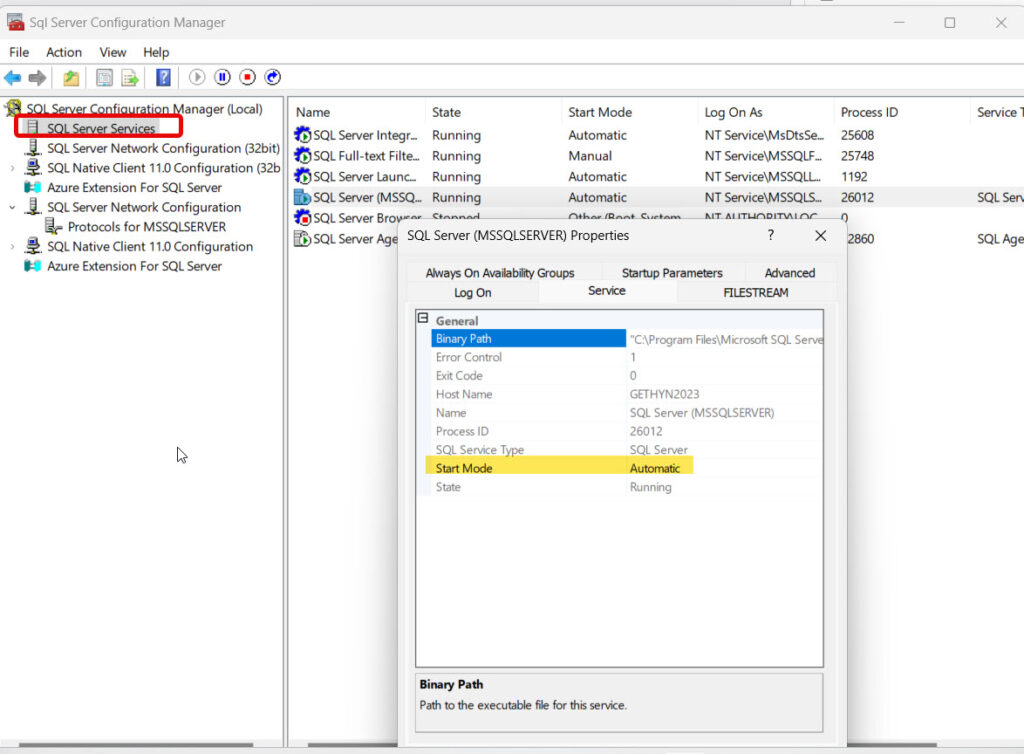
Sometimes the fault is in the server’s own configuration.
- If you’re using NGINX, review nginx.conf for any defined supported MIME types.
- If using Apache, search through .htaccess or any other server config files to confirm no restrictive rules are in place.
Pro Tip: Set a default fallback so requests for an unsupported format are handled gracefully.
3. Debugging REST APIs
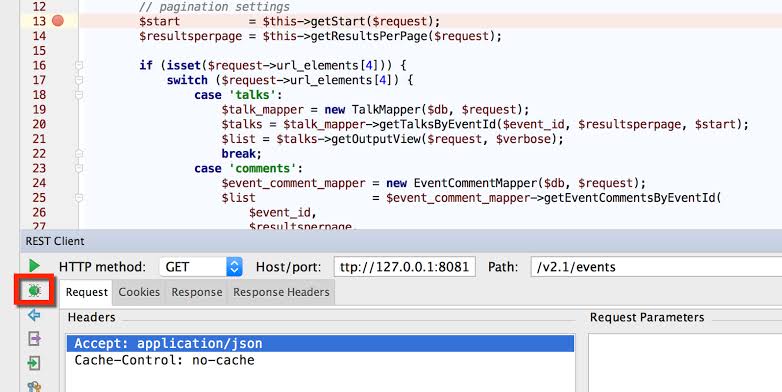
There is a relatively high possibility when using APIs that one of the headers is incorrect, which is one of the most common causes for HTTP 406 errors. Here is how SEO experts are fixing this:
- Check the API documentation in question to verify that you are actually using the right headers.
- Utilize a tool like Postman in order to test an API endpoint.
- Sent:
Accept: application/json - Expected:
Accept: application/xml
4. Review Server Logs
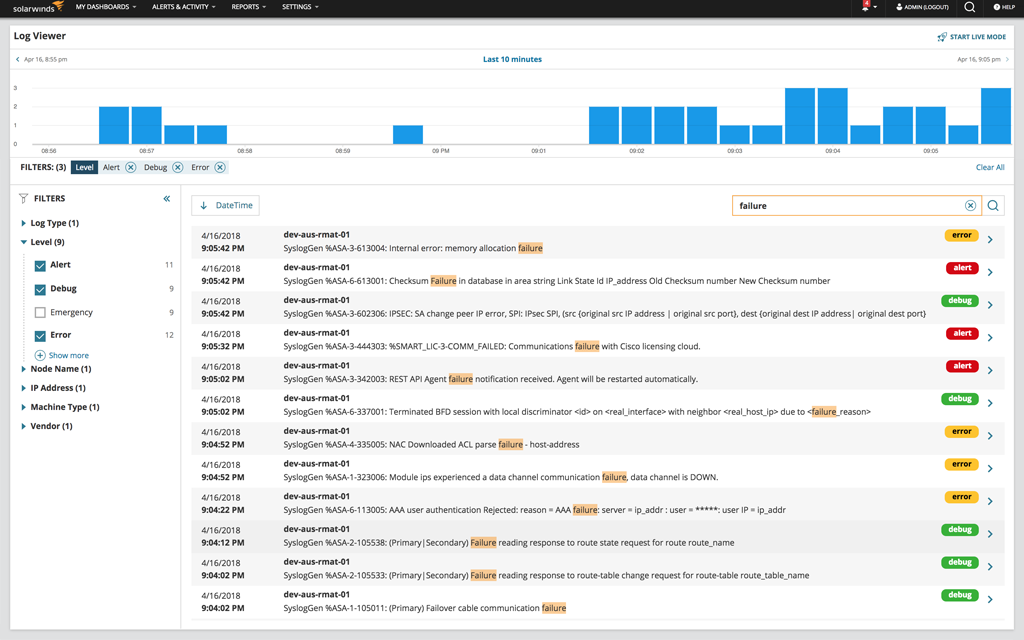
The server log will carry vital information, which will help you get to the heart of the error code and provide context behind the 406 status code:
- If using Apache, you would check the following: /var/log/apache2/error.log
- If using NGINX, you would check the following: /var/log/nginx/error.log
Here, you will be able to confirm that the message displayed is an issue with the content negotiation or header specification.
5. Test and Validate Fixes

After performing the above steps, the recurring issue should cease to persist. Let’s see how you can verify that the HTTP 406 error has gone:
- Test across multiple browsers and devices.
- Use tools like Fiddler or Postman in order to simulate various headers with different specifications.
Conclusion
The 406 status code might not be an everyday type of web error, but when it does arise, it can certainly impede the flow of a website. Whether it’s something you’re trying to manage as a site owner, an app developer, or even just a general internet user, knowledge of why this client error occurs can save a great deal of your time. It typically amounts to mismatches in expectation between the client and the server.
You now have the knowledge of the 406 status code that should help you rectify this error and keep your site or app running efficiently by specifying the correct parameters.

Vijay Sood is a seasoned digital marketer with a passion for driving online growth and innovation. With a robust background in developing and executing comprehensive digital strategies, Vijay excels in leveraging SEO, content marketing, and social media to boost brand visibility and engagement. His expertise lies in transforming data-driven insights into actionable marketing campaigns, helping businesses achieve their digital objectives.