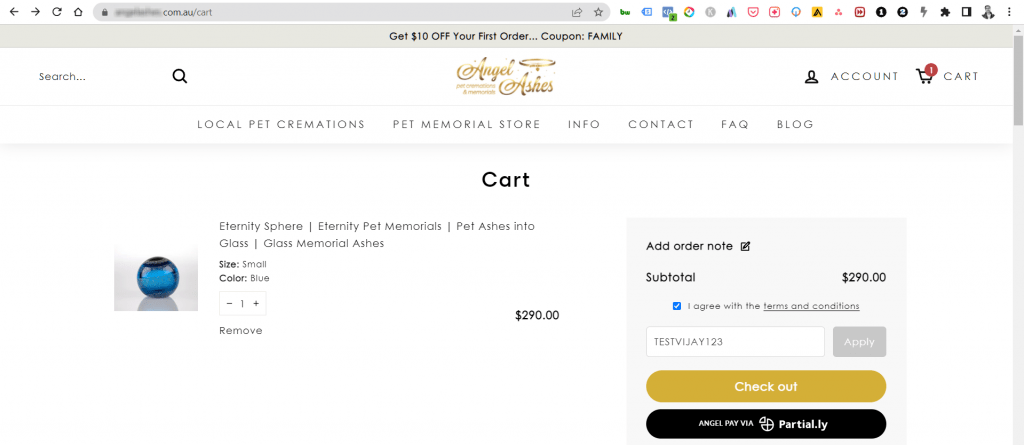
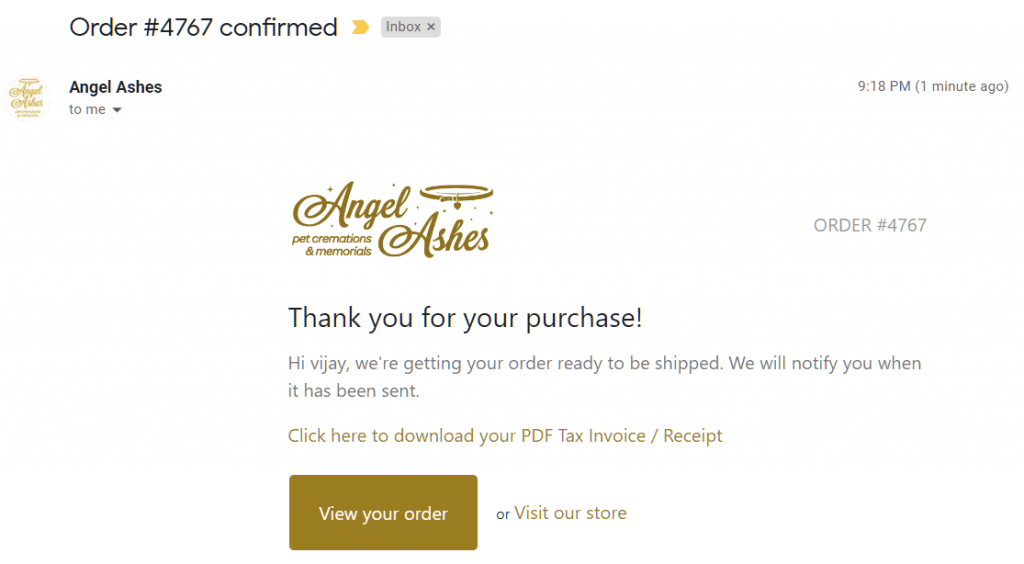
Google Ads Conversion Tracking Script – Please copy the below and change your replace your id and label as i have explained in the video
<!– Event snippet for Purchase conversion page –>
{% if first_time_accessed %}
<script>
gtag(‘event’, ‘conversion’, {
‘send_to’: ‘AW-XCCXXXXXXXXX/XXXXXXXXX‘,
‘value’: {{ checkout.total_price | money_without_currency }},
‘currency’: ‘{{ currency }}’,
‘transaction_id’: ‘{{ order_number }}’
});
</script>
{% endif %}



Vijay Sood is a seasoned digital marketer with a passion for driving online growth and innovation. With a robust background in developing and executing comprehensive digital strategies, Vijay excels in leveraging SEO, content marketing, and social media to boost brand visibility and engagement. His expertise lies in transforming data-driven insights into actionable marketing campaigns, helping businesses achieve their digital objectives.